
Home/ Round management/ Invoicing
Invoicing
Window cleaning invoicing app
Marked off, invoiced and paid — before you've pulled away from the kerb. MyRound turns a finished job straight into money owed, without a separate invoicing step.
The invoice goes out when the job's done
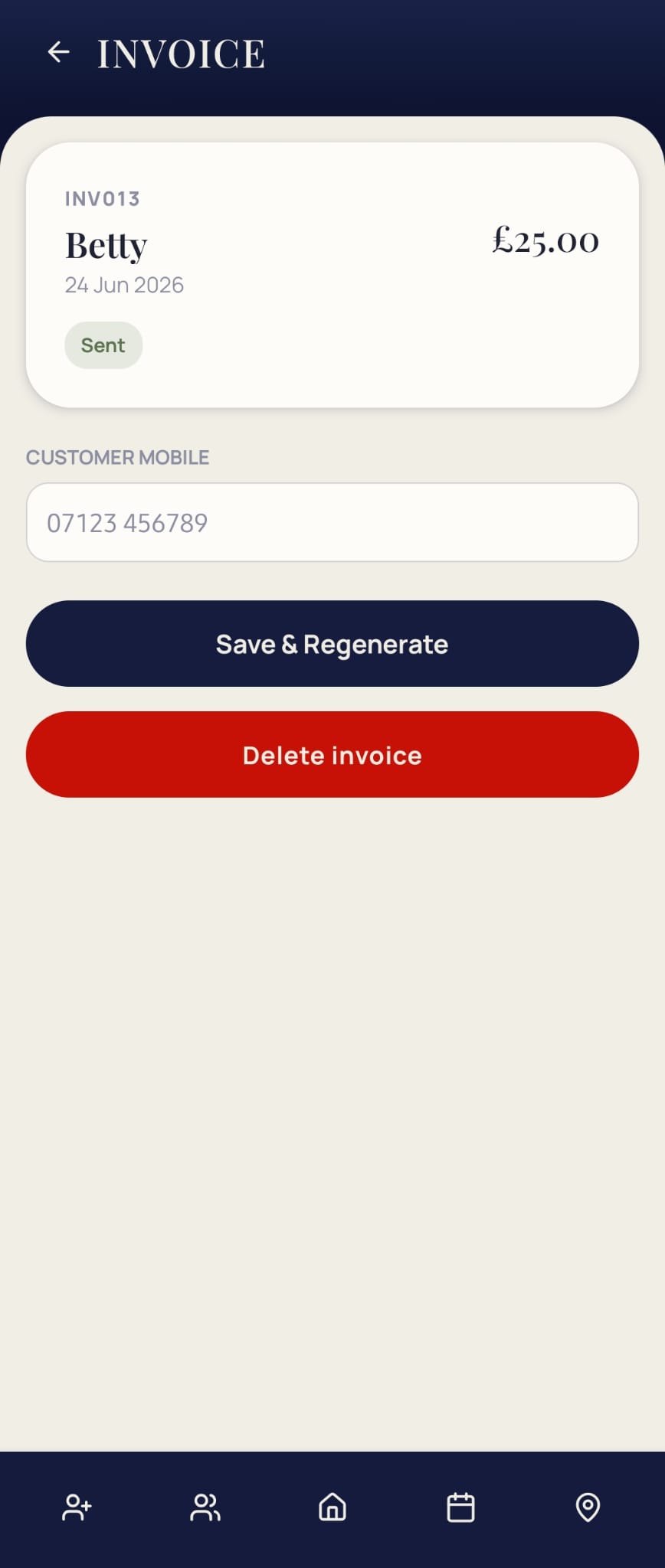
Mark a clean paid and MyRound generates and sends the invoice there and then — no evening spent typing up the day's jobs into separate software. The customer gets a proper invoice; you get one less job to do at home.
Always knowing who owes you
Payments show as cleared or pending against every customer, so you can see who's paid and who hasn't without going through a book or a separate spreadsheet. Nothing gets missed because it's on a page you forgot to check.
Figures ready when tax season comes round
Every clean and every payment is recorded as it happens, so the totals for the tax return are already sitting there — not reconstructed in January from a carrier bag of receipts.
What goes on the invoice
Each invoice carries the customer's name and address, the job done, the price, and the date — enough for the customer to know exactly what they're paying for, and enough for your own records to stand up if HMRC ever asks a question about a tax return. Nothing needs typing up separately afterwards, because the invoice is built from the same job record the schedule and route already used.
Chasing money without a spreadsheet
The usual way of tracking who owes what is a notebook, a mental tally, or a spreadsheet updated whenever there's time — all three fall behind the moment the round gets busy. Because MyRound marks a job paid at the point it's done, the list of who's outstanding is always current, not reconstructed at the end of the month from memory. If you'd rather not manage chasing at all, that's what a Direct Debit setup is for — the payment collects itself instead of being chased.
- Does the customer need an app to receive the invoice?
- No — the invoice goes out as a normal link they can open in any browser, so there's nothing for the customer to install.
- Can I see a customer's full payment history?
- Yes — every invoice against a customer is kept on their record, so a full history is there whenever it's needed, not just the most recent job.
- Is this enough for my tax return on its own?
- It gives you the totals and the paper trail behind every figure. Whether that's sufficient on its own depends on your circumstances — worth checking with an accountant for anything beyond a straightforward sole-trader return.
See a real invoice go out
Free while MyRound is in beta — on iPhone and Android.
Part of running the whole round
- Window cleaning round management — how scheduling, routing and invoicing fit together
- Scheduling — where a job starts before it's ever invoiced
- Route planning — how the job gets done before it's marked paid
- Direct Debit with GoCardless — collecting payment without chasing it
- Free invoice template — a printable invoice for jobs outside the app